



Most of the world lives out of their desktop and their documents folder. It is where you find the photos and the notes. If AI agents are going to revolutionize your work, they need to land in your home directory. Patching agents into web applications via OAuth workflows is tricky and confusing for users, and requires developer time. Accessing the same data through the browser already logged into the website is much cleaner. Your ~/home is where worlds collide, and if AI Agents are to be successful they need to be able to work there, not just confined to a chat window with a few MCP tools.
This briefing focuses on a few tools you should be aware of that are changing the way we work. Claude Code is the granddaddy, a venerable 11 months old now. It has matured and made it out of the command line. Its cousin Claude Cowork is like Claude Code for the normies. Finally, Anthropic put Claude in Chrome and Excel, bringing the power of Opus 4.5 to just about everything important in the information world.
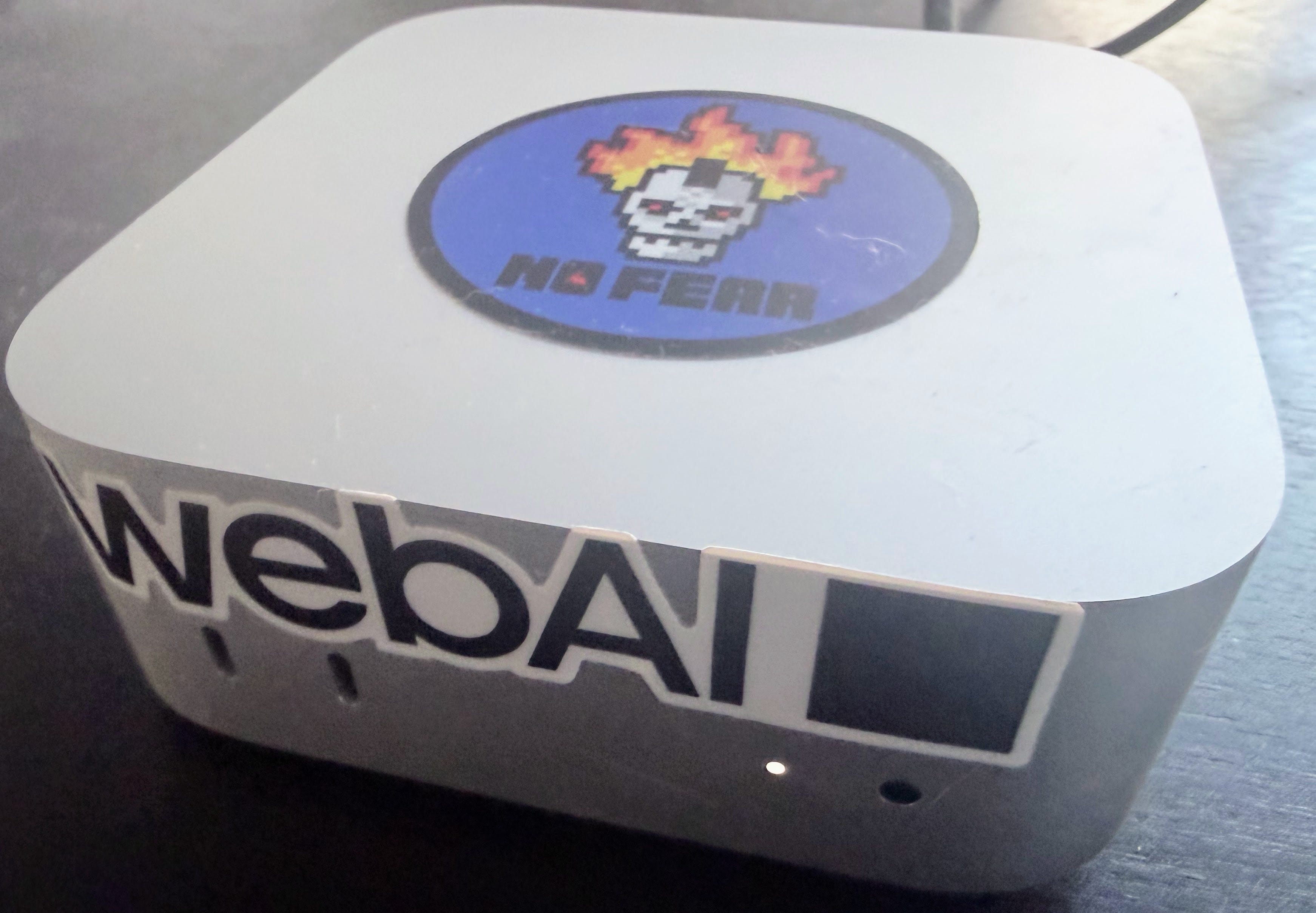
Counterbalancing this is the tool that has taken the computer geek world by storm over the last few weeks — a local‑first, persistent orchestration layer designed to run agents on your own machine rather than inside a hosted chat product. It was first called Clawd but that was a little too close for Anthropic’s comfort, so the tool has molted and become OpenClaw. It is not the first agentic AI tool you can run on your home computer, but it is so well done and adoption has taken off so fast that you can’t find a Mac Mini in Silicon Valley Best Buys because they are all sitting on shelves running agents.
It is an amazing time to be a technologist.
Claude Code Comes of Age
Claude Code has been an amazing product since its inception just last February. From the get-go, the power of having an agent running on your own PC with direct access to resources was a clear winner. Originally it was a command line tool and, as the name implies, aimed at coders. But soon many people figured out that it was a tool for much more than that. If you could throw the tokens, or a Max account, at the problem, Claude Code would work on it.
One key feature of Claude Code is skills. They are effectively small programs, written as a collection of text files, that Claude can use to execute. That, combined with MCP tools and the aforementioned file system access, made it a powerful tool. It was effectively the agent most people had. Buzz was growing.
Over the holidays it started to break out of its shell — Anthropic opened it up to more users. People figured out the command line was not too scary. Then they pounced and both enabled the feature globally for paid accounts and added a Claude Code client to the desktop app.
If you have a paid Claude account you should try the feature today. There is a ton you can do with it even if you never, ever will use it to write code.
Claude Cowork
All of this power matters less if it can’t meet people where they already work. For most users, that place is not a terminal window but a graphical desktop full of folders, documents, and familiar apps. GUI‑native agents are what finally bring the home‑directory thesis to life.
Claude Code is an amazing tool, but most people don’t work in the command line or with command line tools. They write documents in GUI word processors. This is where Claude Cowork steps in. It is a beta feature for paid Claude accounts that will take over your macOS desktop to do things like reorganize folders and write documents and presentations.
To Anthropic’s credit, they built it on a lightweight VM to keep the AI constricted to the data you share with it, rather than running in your context with all of your rights. It is scary — but not as scary as it could be — from a security perspective.
Claude in Your Apps
It would not be an overstatement to say the world is run in Excel. Anthropic has brought their platform to the place where the world counts by building Claude in Excel. It can now peer directly into your most important financial data and give you sound advice. It can clean up formulas, data and build graphs. You can use it to build complex models according to some users.
The parts of the world not run in Excel are run in browsers. Claude in Chrome brings it to the browser tabs you want. I’ll admit I use the tool to edit posts — it can interact directly with the Substack editing tool, beating the copy and paste or hunt and peck workflows I’ve used in the past. Running within your browser means you can give it access to anything you want. Your whole inbox if you are brave, or maybe a specific email if you are not so brave through a simple tab group sharing mechanism.
Your Own, Private AI has a Social Network
Ever since ChatGPT appeared, many technologists have dreamed of having a smart, persistent, context-aware private AI agent ready to do their bidding. Many tools have checked parts of that box, but none effectively packaged everything needed to run a truly local, orchestrated agent.
Peter Steinberger effectively solved this problem when he created what was once called clawdbot. The tool creates an interface over a local AI manager. You supply an API key and the tool supplies the connectivity and interface for a self-hosted persistent agent. The tool connects to any command line application — it just uses AI to understand them. It has infinite plugins out of the box thanks to the entire ecosystem of python and nodejs. It can be used as a personal agent, but it is really designed as an orchestration tool. I can see a world where you run multiple instances for discrete tasks and compartmentalization.
Superpowers aside, it excels as a personal agent. It remembers you, your likes. You can text it like your bestie. Like Claude it uses skills to perform tasks like managing your inbox or even booking travel. It has access to whatever you give it.
If this sounds cool to you, you are not alone. It went viral last weekend, with the Github project getting 9,000 stars on January 26 as Mac Minis sold out in the Bay Area. The newfound popularity caused a bit of a trademark issue and the name molted to OpenClaw as of January 30.
There is a lot of talk about security issues. It has the same tradeoffs any agentic AI system has — to make it useful you need to give it access to data and often the environment the data lives in. Like any other automated tool, limiting access is worth thinking about. If you use Clawdbot, think about giving it a dedicated machine, Gmail, iCloud and other accounts and only tapping into personal accounts as absolutely necessary. The design of the system is impossible to secure, but you can practice defense in depth to minimize damage.
What This Means
OpenClaw is not for everyone — it certainly requires knowing your way around the command line, being comfortable with API keys and doing a bit of troubleshooting. It is definitely not the kind of thing you should regularly run on your own PC in your own account. But give it a machine and some constraints and you can have a private setup on par with Claude Code at similar unit costs. Moreover you can deploy a fleet of them dedicated to specific tasks and separate security containers.
I did not set out to write this much of a Claude love story. But it is hard to hide — Anthropic is rapidly building a differentiated platform. Their tools are doing much more meaningful work for me than OpenAI’s ever have, even if you still cannot draw an image directly. The mileage you can get today out of their tools for most work is worth the investment or even switching providers. OpenAI probably is not in a great place here compared to their peers.
The tools are starting to think deep enough to do real, meaningful work. They are getting directly connected to the knowledge systems. It is a good time to start thinking about how you are going to work with them rather than for them. With agents embedded where work lives and orchestration running locally, 2026 is shaping up to be the year AI stops being a dream and starts doing real work on your machine.
Resources
Here are some things I found inspirational in writing this piece.
Claude
The Magic of Claude Code (Noah Brier, Alephic)
Why claude code is magical. Still very true four months after publication, which is roughly a century in AI years.
Claude Code and What Comes Next (Ethan Mollick)
How AI is capable of repeated, sustained work.
36 Claude Skills Examples (AI blew my mind)
36 skills from 36 creators to show you want you can do with skills.
How to Use Claude Code for Everyday Tasks (Every)
Claude code can do a lot more than just code.
Will Claude Eat Excel (Future-Proof Your Career with AI)
What you can do with Claude in Excel.
Claude Cowork: What It Is, Why It Matters and How To Use It (Joel Salinas)
Excellent explanation piece about Claude Cowork
OpenClaw / Molt / Clawd
The Lobster Takeover (Starry Hope)
Good guide to setting up your OpenClaude including some hardware options beyond Mac Minis.
Interview with the Creator of Clawdbot (Gergely Orosz)
Peter Steinberger, and clawdbot, has a really interesting story.
OpenClaw is Wildly Insecure (ToxSec)
OpenClaw is far from hardened, here are some factors to be aware of when you setup your instance.
The Best of Moltbook (Astral Codex Ten)
AI agent social interactions are amazing to behold.
Did you enjoy reading this post? Hit the ♥ button above or below because it helps more people discover great Substacks like this one and it helps train your algorithm to get you more posts you like. Please share here or in your networks to help us grow!
Brilliant. This idea of AI agents truly living in your home directory resonates so much with how I wish my personal data—like all my book notes—could be smarter and more interconected, not just siloed.
Good roundup. I played around with OpenClaw on an old airgapped Mac and while I see the potential of AI agents, they are sooooo not ready for prime time yet.